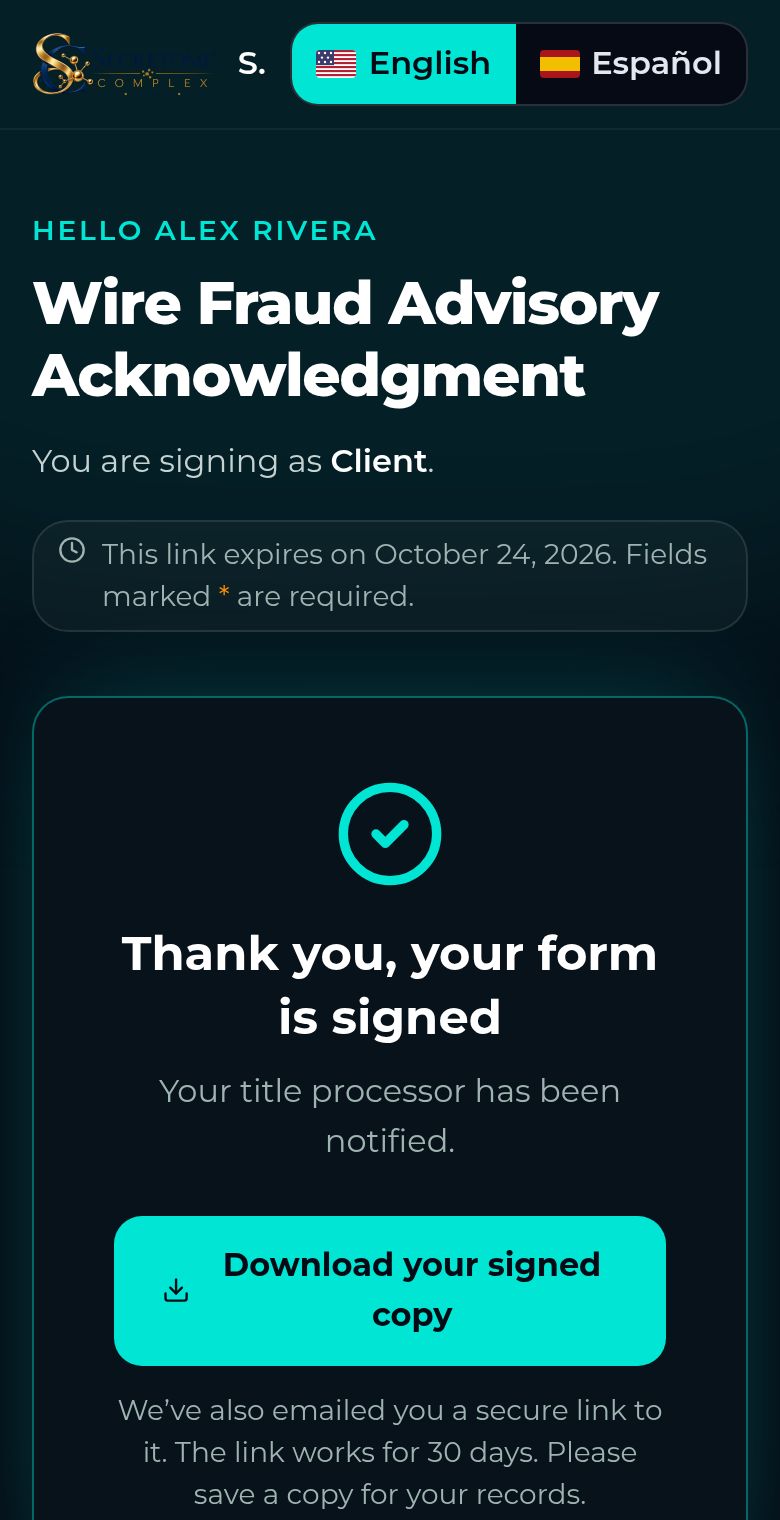
Sign on your phone
Type or draw your signature and finish in a minute.
Steps
Scroll to the bottom to the Signature box. Check that your full legal name is right.
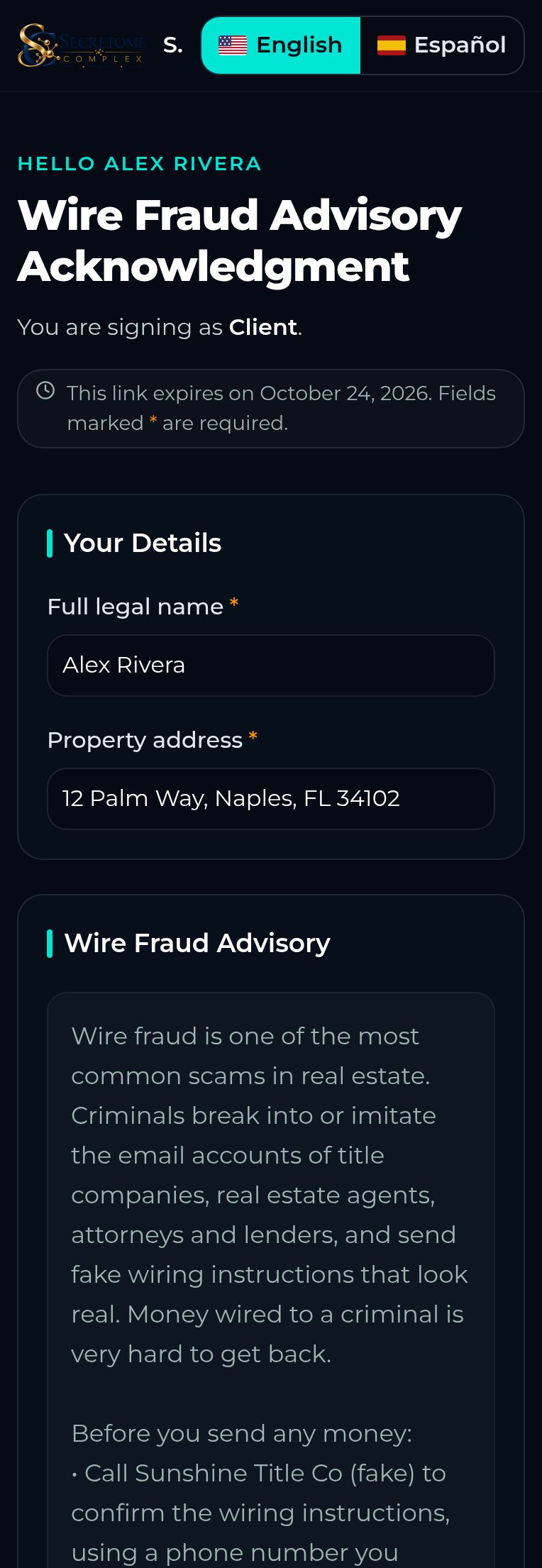
Choose Type to use a typed signature, or Draw to sign with your finger.
Read the short Consent to Electronic Records and Signatures, then tick the box. You can ask your title company for paper instead.
Tap Sign & Submit. If a field is missing, it is highlighted so you can fix it.
You will see a thank-you page and get an email with a link to download your signed copy. It works for 30 days.