
Open your secure link
Your title company emailed you a link to fill out a form. No account needed.
Steps
Find the email with the subject “Your TitleMagic Secure Form”. If you cannot see it, check your spam folder.
Tap the big button. The form opens right in your browser. There is nothing to install and no password.
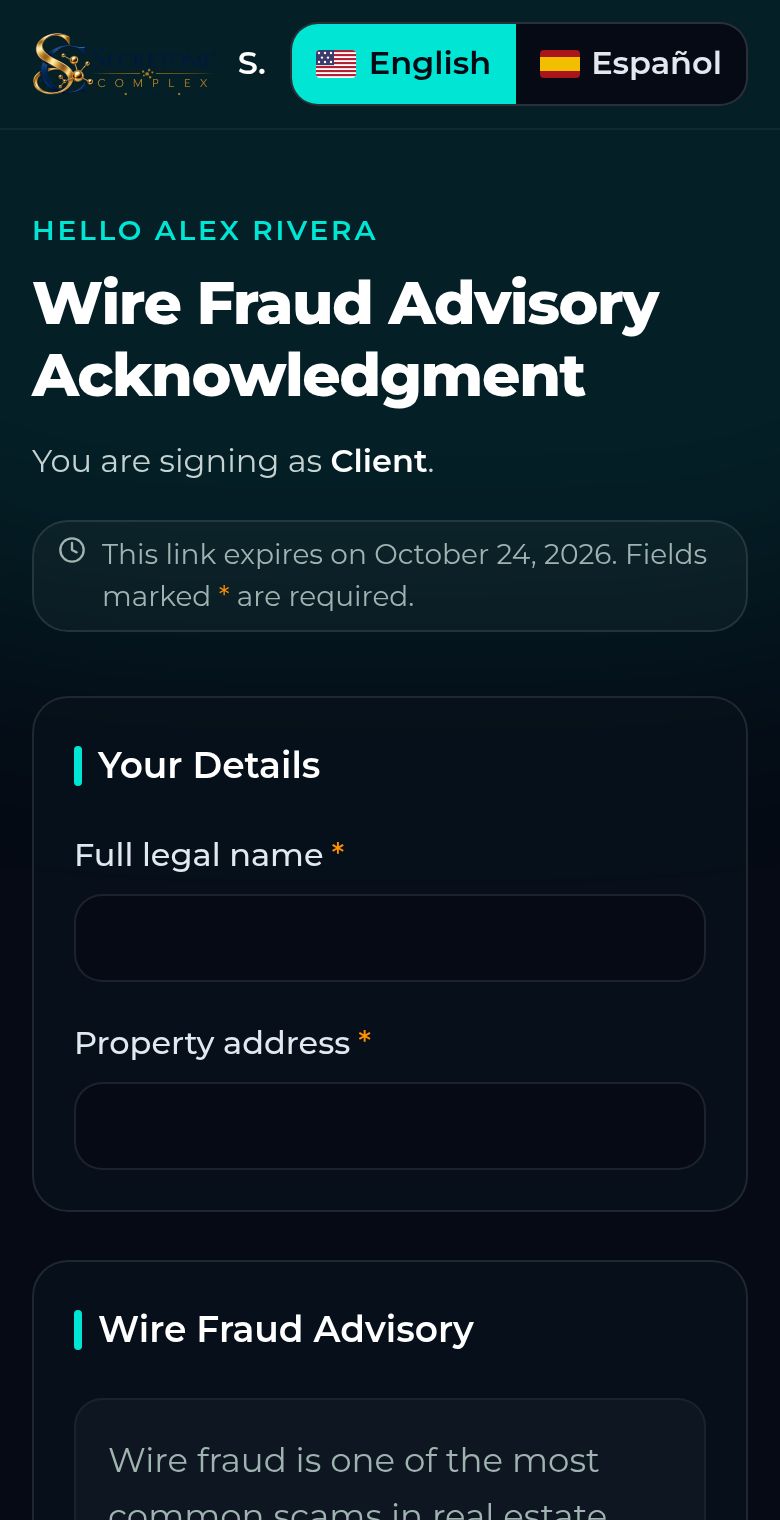
Fill in each section. A star (*) means the answer is required.
The link is only for you, so please do not forward it. It stops working after 7 days; ask your title company for a new one if it has expired.