
Find and change a quote
Every quote you send or save is in My quotes.
Steps
Open My quotes. Search by quote number, for example Q-000123.
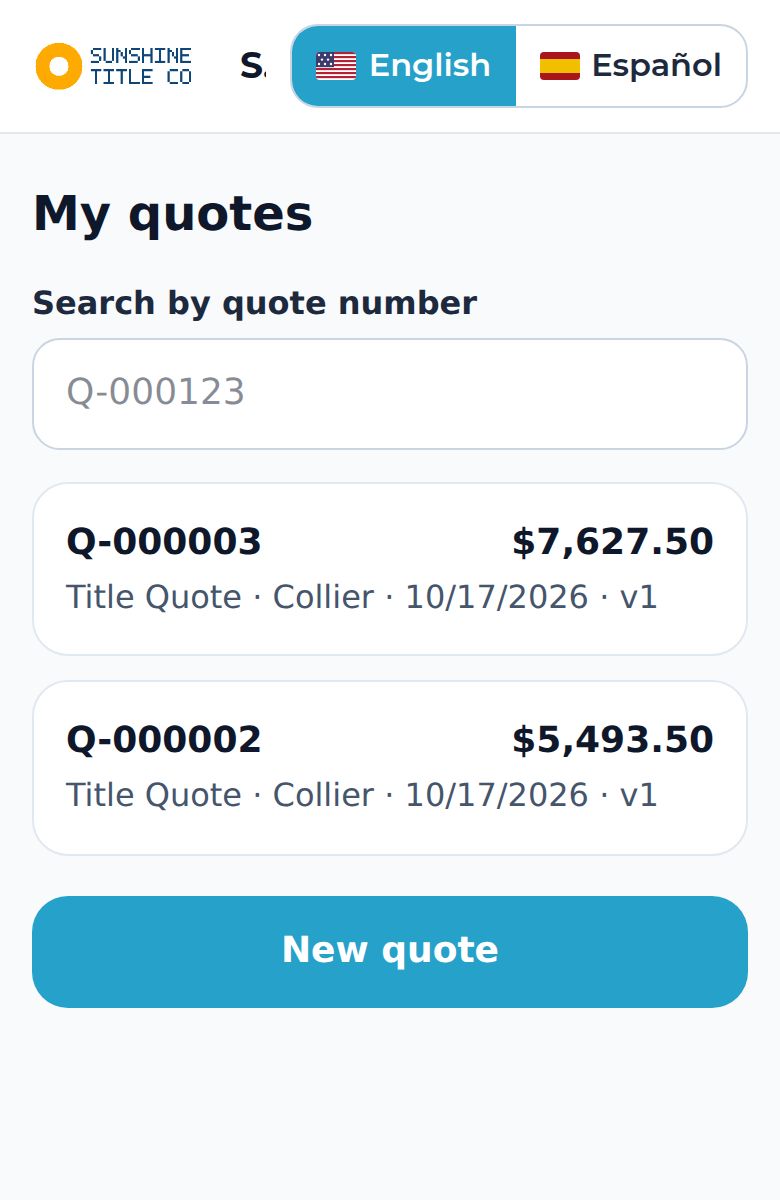
Tap a quote to see its versions, history and PDFs.
Tap Amend (new version) to change a number. The old version stays exactly as it was and each version keeps the language it was made in.
Tap Stop sharing to switch off every client link for that quote. The quote itself is not deleted.