
Make a quote and send it to your client
Type a price, then text or email the PDF, in English or Spanish.
Steps
Open New quote. Type the sale price and pick the county. The estimate appears as you type.
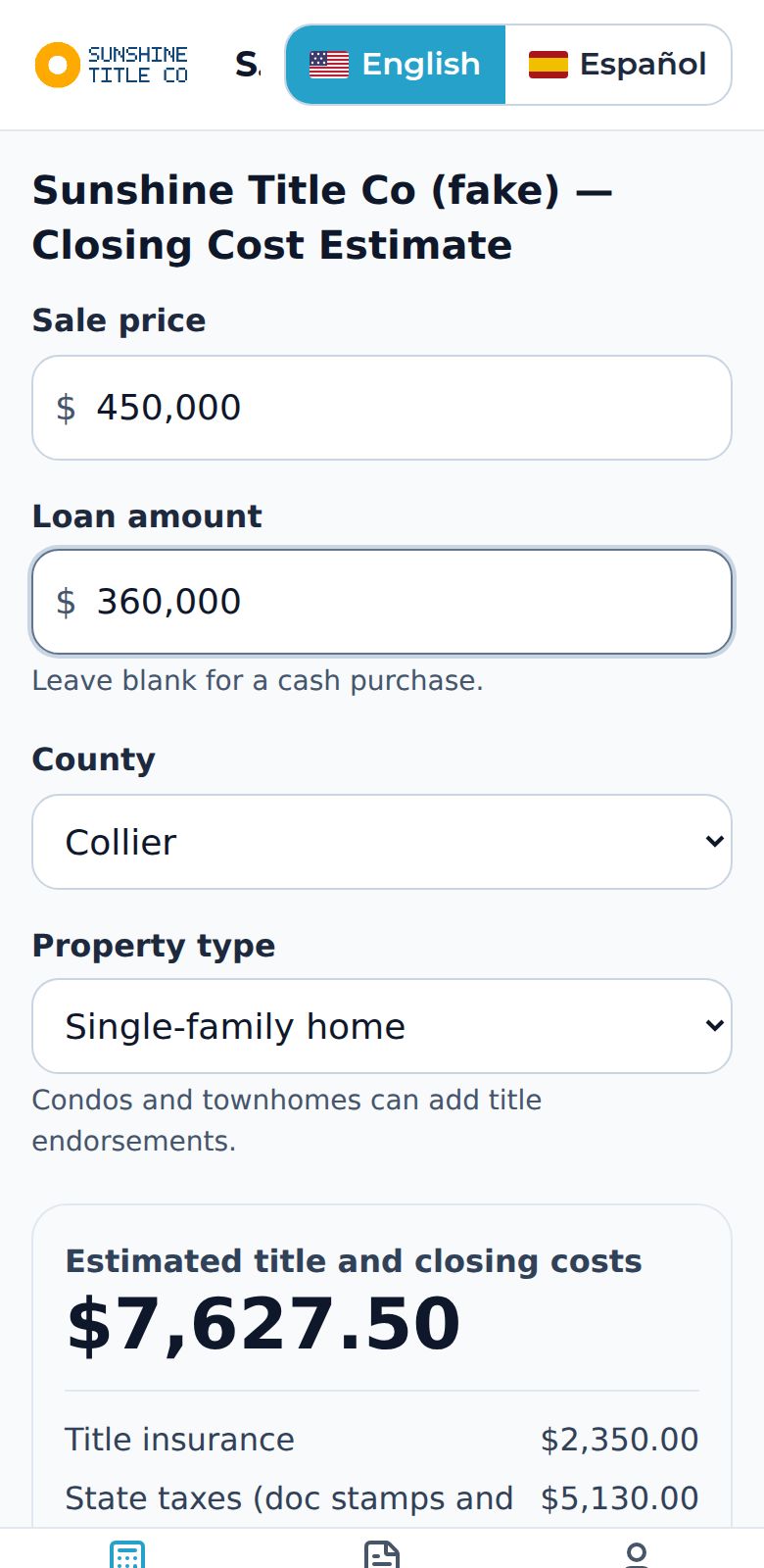
Read Explain this estimate under the number. It is a short plain-language summary of the biggest costs and who usually pays.
Open Add details for commissions, property taxes, credits and notes.
Tap Send in English or Send in Spanish. The PDF your client receives is in the language you pick, whatever language your screen is in.
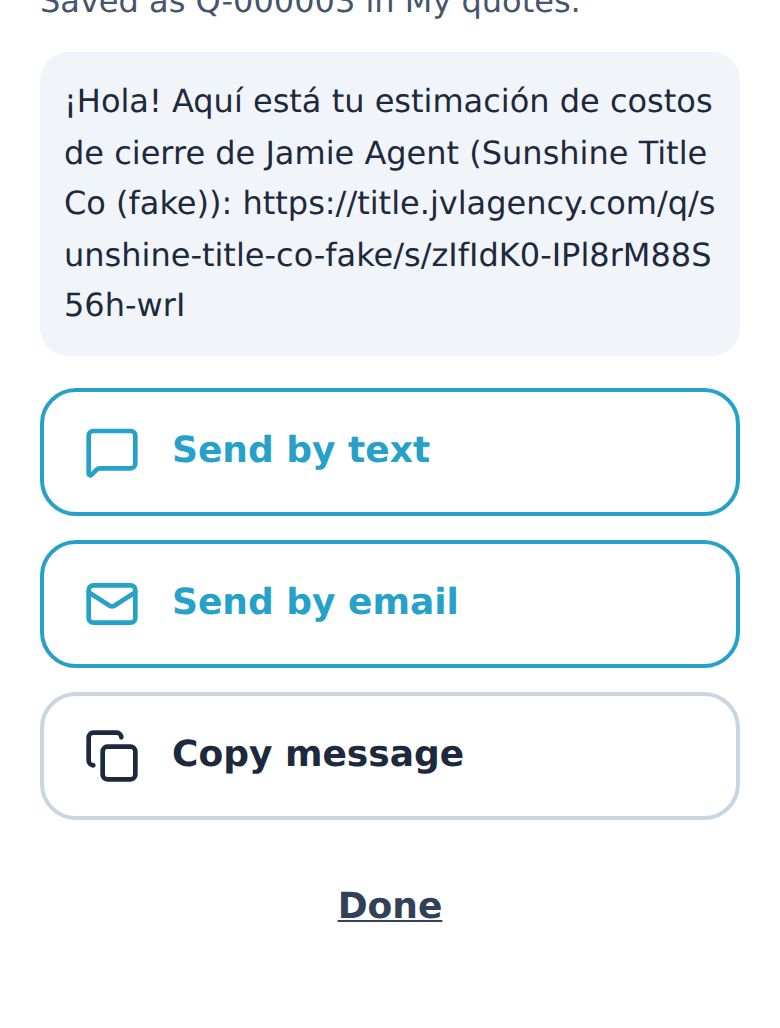
Tap Send by text or Send by email. The message and the PDF link are already filled in.
Good to know: An estimate is not a final bill. Your title company confirms the exact numbers before closing.