
Set up Quotes
Choose counties and fees, check the numbers, set the language and publish.
Steps
Open Quotes settings in the menu.
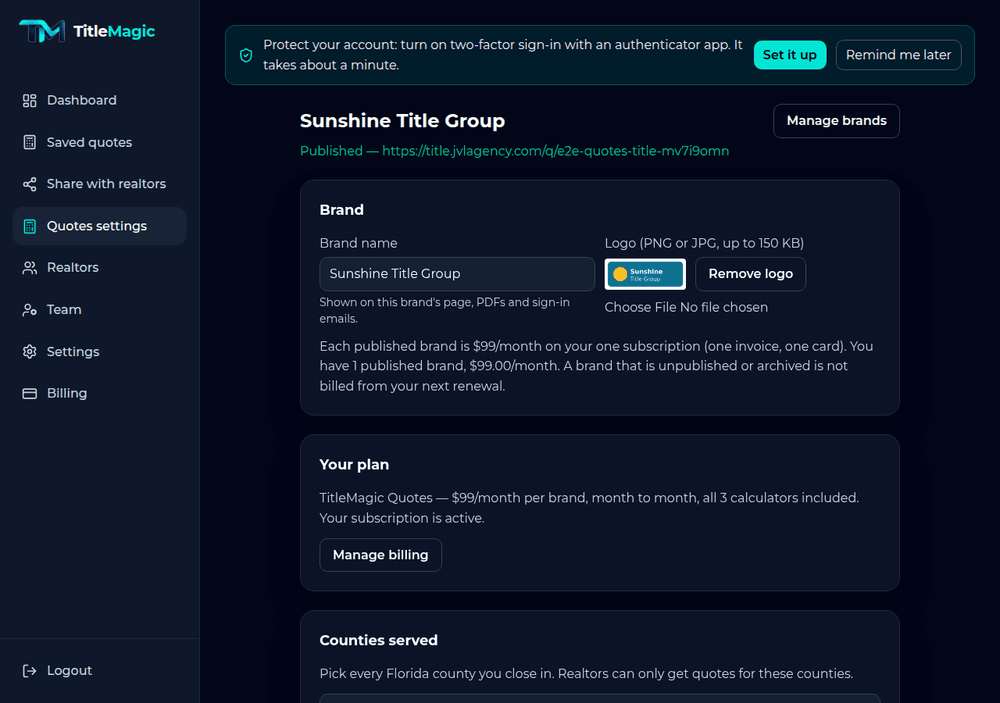
Pick the counties you serve and enter your fees.
Choose which calculators to show: Title Quote, Seller Net Sheet and Buyer Closing Costs.
Under Language, choose whether your calculator starts in English or Español. Visitors can still switch at the top of the page.
Check your numbers on the three examples, then Publish. A brand that is not published cannot be shared yet.