
Add your name and photo to the PDFs
Your details appear at the top of the PDFs your clients receive.
Steps
Open Me.
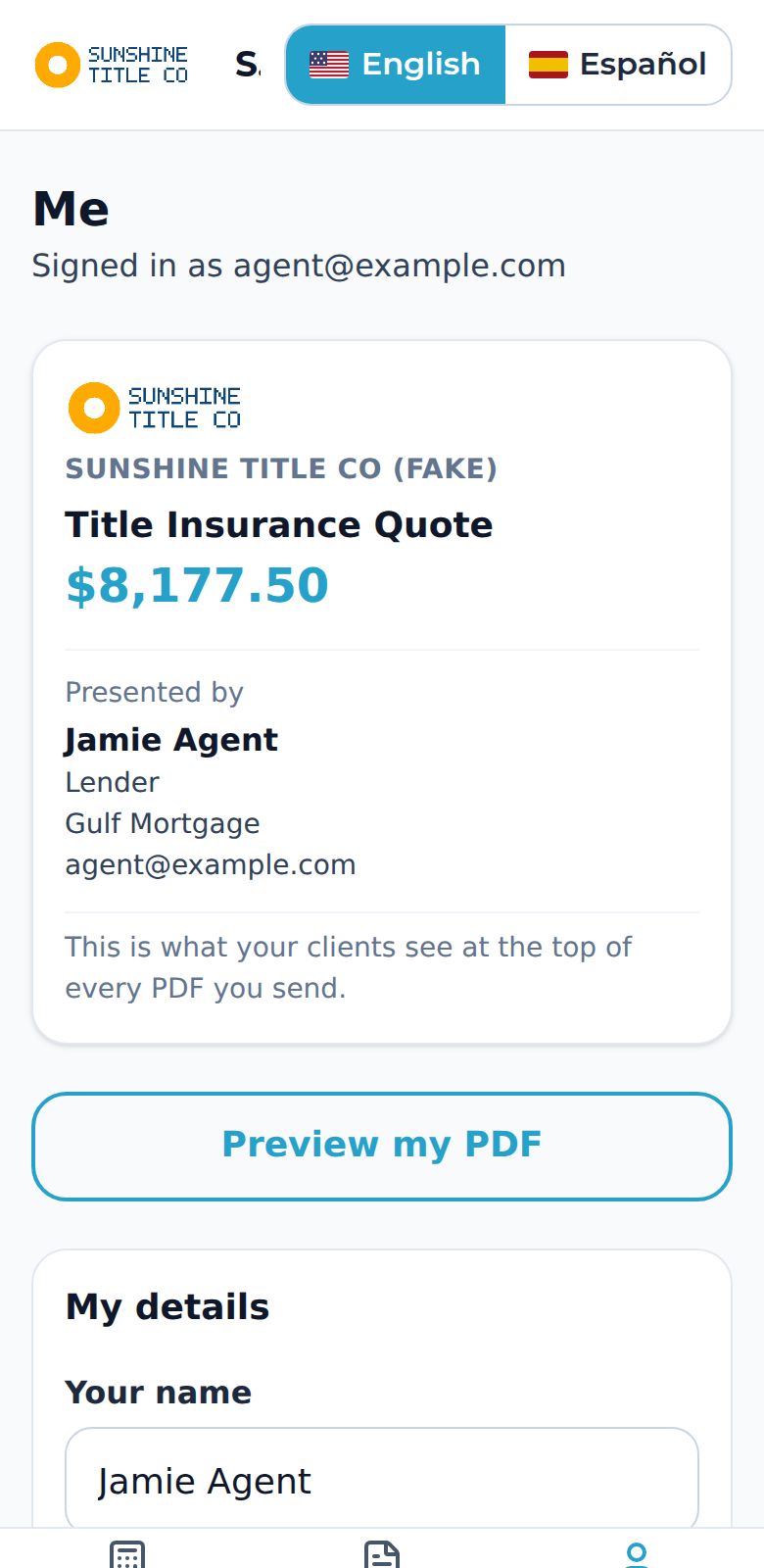
Fill in your name, role, company or brokerage, and phone. Add a photo (PNG or JPG under 150 KB).
Tap Preview my PDF to see exactly what your client will see.
Tap Save. Your next PDF shows these details, with “Presented by” in English and “Presentado por” in Spanish.
To open the app in one tap, use Add this to your home screen on the same page.